

Production 101 - #9 Why Status Reports Matter
The one document nobody wants to write is the one that keeps your project alive

Game Production Alchemist › Production 101 › Status Reports for Game Producers: A Simple Template
Status reports are a transparency tool first and a planning tool second — get that order right.
Resistance to writing them usually means they’ve become too long, too vague, or disconnected from real decisions.
A Spartan approach with a fixed template makes them fast to write and genuinely useful to read.
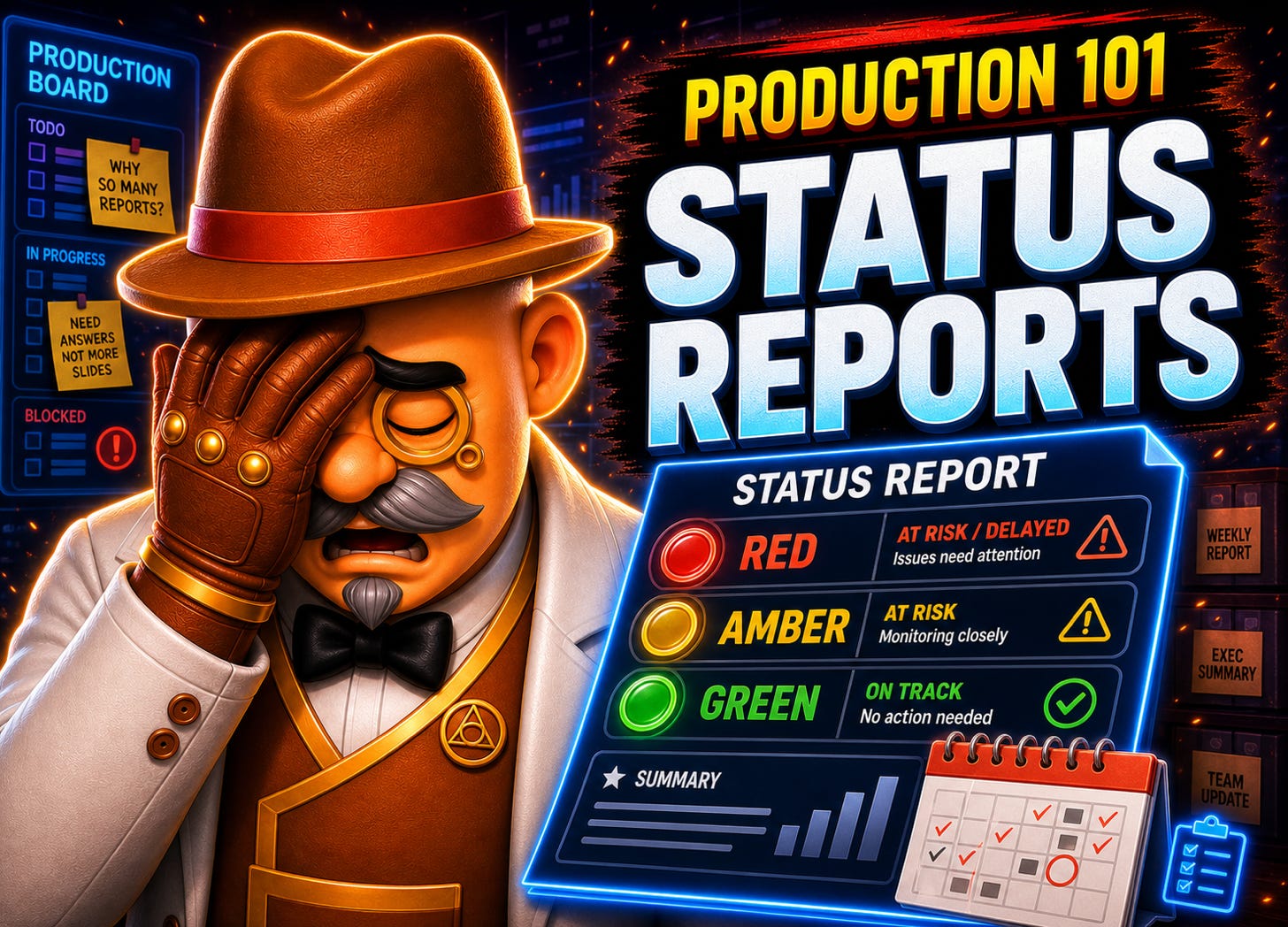
The RAG system gives stakeholders a signal, not a story — your job is to give it enough context to mean something.
This is part of the Production 101 series. If you’re new here, that index is the right place to start.
Most producers I’ve worked with have a complicated relationship with status reports. They know they should write them. They often don’t write them, or they write them badly, then stop. And when a project hits trouble and someone asks “what was the state of things six weeks ago?”, nobody has an answer. That silence is expensive.
Status reporting is one of those disciplines that looks administrative from the outside but is genuinely strategic when you do it properly. It’s not about keeping executives happy. It’s about maintaining a shared picture of reality when your team is heads-down and reality is changing fast.
What a good status report actually does
The first thing it does is surface problems early. When you’re forced to write down the current state of each area, you notice things you’d otherwise carry around as a vague worry. Writing it down forces a decision: is this a risk or isn’t it? Is this amber or still green? That discipline alone is worth the time.
The second thing it does is create a record. When you onboard a new team member, or when a senior stakeholder joins the project mid-flight, the status report archive is the fastest way to get them oriented. Six months of weekly reports tells a story. You can see when risks materialised, when milestones slipped, and how the team responded. No other document does that job.
A status report isn’t a progress announcement. It’s a compressed model of the project’s current health, written by the person most likely to know the truth.
The third thing is accountability. When the producer commits in writing to what the team will do next week, and then the following week’s report either confirms it or explains why it changed, you build a culture of honest tracking. Not blame culture. Honest tracking.
Why so many status reports fail
The most common failure mode is length. A producer who doesn’t have the project at the top of their mind will sit down to write the report, realise they need to reconstruct what happened, and end up producing a long, defensive narrative. That report takes an hour to write and fifteen minutes to read. Nobody reads it.
The second failure mode is audience mismatch. A report written for the development team looks nothing like a report written for an executive stakeholder. If you write one report and send it to everyone, it serves nobody well. The team doesn’t need the financial risk section. The exec doesn’t need the granular task list. The template in this post is designed for the team; leadership-facing reporting is a separate document with a different audience and a different job, and [INTERNAL LINK: Post #20 — Managing Up] covers that layer.
The third failure mode is inconsistency. A status report published every week for three months and then dropped tells its own story, and it’s not a good one. Cadence matters. If you commit to weekly, write it weekly. If you commit to bi-weekly, write it bi-weekly. The moment the cadence breaks, people stop expecting it, and the habit dies.
The report that takes more than fifteen minutes a week to write is either overproduced or is catching up on weeks of missed observation. Neither is a sign of health.
I’ve seen all three failure modes on the same project. The producer was diligent but wrong about what the report needed to do. They were writing a comprehensive record of every decision made that week. That’s not a status report. That’s a production diary, and it belongs somewhere else.
What Spartan actually means in practice
Spartan, in this context, means: include only what is needed to make a decision or understand a risk. Nothing else.
The report should be skimmable in two minutes. If a stakeholder needs to read it carefully to understand it, it’s too long or too vague. If a team member needs to read the whole thing to find the piece that’s relevant to them, it’s not structured correctly.
The way I’ve kept reports Spartan over the years is to keep the document open across the week. When something worth reporting happens, I add a line. When a risk changes status, I note it. By the time Friday comes, the editing pass is fifteen minutes, not an hour of recollection. The report writes itself as the week unfolds.
I’ve used this approach across studios of very different sizes. At a small team of ten, a single page with a RAG dashboard and four sections was enough. At a co-development engagement with a team of sixty reporting to a publisher, the same structure scaled up with more categories but the same logic. Spartan doesn’t mean small. It means no padding.
The template I’ve used for decades
Below is a template I’ve been iterating on and using at multiple studios since the early 2000s. You can find a copy of it here. Feel free to adapt it.

The template has eight components. Each one earns its place.
RAG Dashboard. Red, Amber, Green across the areas that matter to your team’s topology. The categories will differ by project, but the principle is constant: one colour, one signal, no ambiguity. Define what each status means before you start. Red should mean something is blocking progress and needs intervention from above. If Red stops meaning that, it stops doing anything.
RAG Status Change Summary. A brief explanation of any status changes from the previous report. This is what creates continuity. Someone reading three months of reports can follow the narrative of a risk rising to red, being addressed, and returning to green. Without this section, the dashboard is just a snapshot with no memory.
Progress This Week. What the team completed. Keep it factual. This is where the team’s wins are visible, which matters for morale and for stakeholders tracking delivery. Don’t pad it with things you started but didn’t finish.
To-Do Next Week. The priorities for the coming week. This section is a commitment. Next week’s report will either confirm those things happened or explain why they didn’t. That accountability loop is what makes the report useful over time, not just in the moment.
Next Milestones. The upcoming delivery targets on the horizon. This keeps everyone oriented to the larger delivery picture, not just the immediate week. It also prompts you, as producer, to check whether the path to the milestone is still clear.
New Issues, Risks, and Blockers. Any new items that could affect delivery. If nothing is new, say so. A blank section here is reassuring, not embarrassing.
Update on Existing Issues. The running record of known risks and blockers. How is the team progressing against the things flagged in previous reports? This section is where the connective tissue lives. A reader can follow the lifecycle of a risk from first appearance to resolution.
Important Links. A single section listing key documents, tools, or references the reader might need. This replaces the habit of embedding links throughout the prose and requiring people to hunt through old emails to find them.
Publish the report where your team keeps its artefacts. Confluence is a natural home because reports are searchable there. If you’re already visualising your workflows in a tool like Jira or a Kanban board, much of the factual content is already captured. The report adds the context and interpretation that the tool cannot.
What the report does for you as a producer
There’s a professional dimension to this that doesn’t get talked about enough. A producer who consistently delivers clear, honest, accurate status reports builds a reputation that carries weight. Stakeholders learn they can trust the picture they’re being shown. Executives stop second-guessing and asking for extra check-ins. That trust is earned slowly and destroyed quickly.
The reports also protect you. When a project hits trouble and the post-mortem starts, the producer who kept rigorous weekly reports has a documentary record of when risks were flagged, what was done about them, and what decisions were made above their level. The producer who didn’t has nothing but memory, which is unreliable and unverifiable.
I’ve been in both positions. The difference is significant.
Done well, the status report is evidence that the producer was in command of the project’s reality, even when that reality was difficult.
What the report doesn’t do is fix problems. It surfaces them, tracks them, and makes them visible. Fixing them is the other work. But you can’t fix what you can’t see, and the report is what keeps the picture clear.
If you’re earlier in this series and want more context on the producer’s role before diving into the operational tools, Production 101 #1 covers what a producer actually does. For how reporting fits into the broader governance picture, Production 101 #8 on legal documents is the preceding entry in the series.
The “New Issues, Risks, and Blockers” section of the status report is where risk management starts, not where it ends. Post #19 — Risk Management Beyond the Status Report covers what to do once a risk is on the list: how to assess it, track it, and escalate it before it becomes a crisis.
